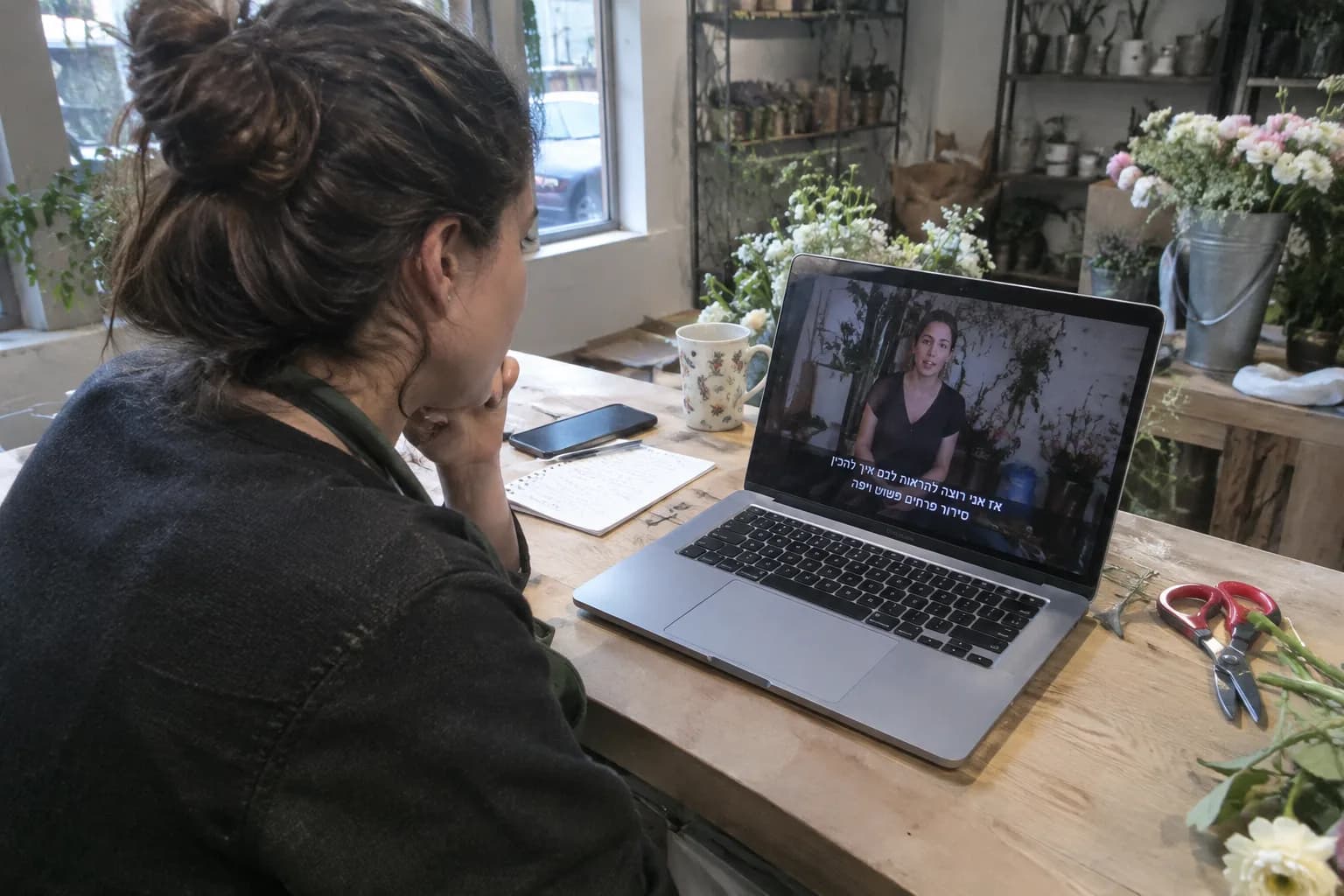
The best tool for automatic Hebrew captions is one that offers high recognition accuracy in Hebrew, allows for easy editing and corrections, and fully integrates into your video creation process. For business owners, an end-to-end automated platform that generates the video, voiceover, and captions in one place is the most efficient and cost-effective solution.
This guide is written especially for you, the owners of small and medium-sized businesses in Israel. You don't need to be a video editor or a tech expert to add professional captions to your videos. We'll explain simply how to choose the right solution for your business, saving you time and money.
Key Takeaways
- Captions increase engagement and accessibility, especially since most videos are watched on mute.
- Accuracy in Hebrew recognition is the most critical criterion when choosing an automated tool.
- A unified platform for video and caption creation saves valuable time compared to using separate tools.
- A quick manual review and edit of the captions is always necessary before publishing to ensure quality.
- Caption design should be readable, clear, and aligned with your business's branding.
Why Are Hebrew Captions So Important for Your Business?
In an era where most of us scroll through our feeds in public or quiet places, most videos are watched without sound. Without captions, your marketing message is simply lost. Clear captions ensure your audience understands you in any viewing situation.
Moreover, captions make your content accessible to a broader audience, including people with hearing impairments. Accessibility is not just a moral obligation but also a way to reach more potential customers. From an internal analysis we conducted at LunSoul Social, we found that businesses using captions achieve an average of X% more engagement on their videos.
How to Choose an AI Hebrew Caption Generator: 4 Key Criteria
The market offers a variety of solutions, but not all are created equal, especially when it comes to the Hebrew language. Here are four points to help you filter and choose correctly:
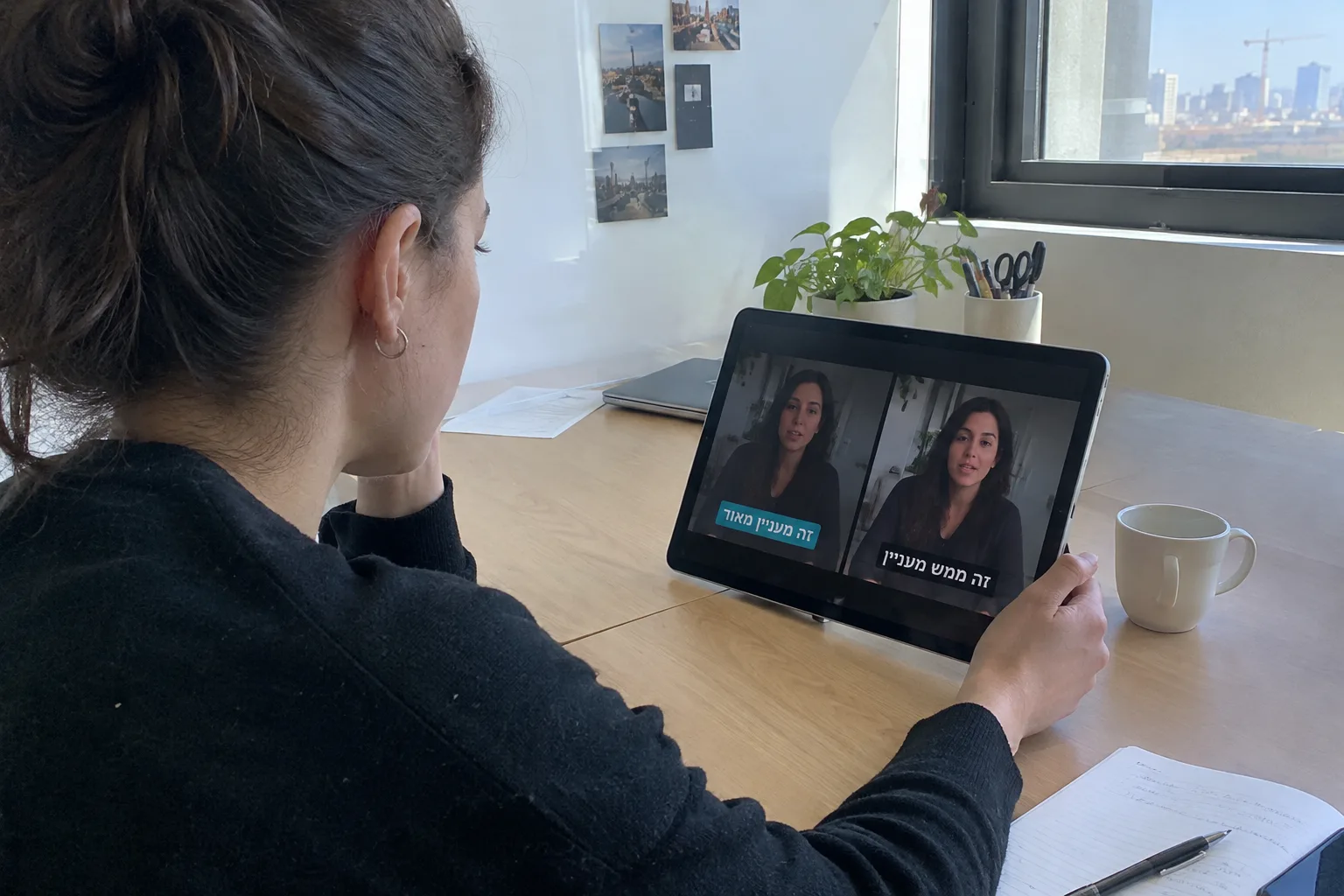
1. Accuracy in Hebrew Voice Recognition
This is the most important metric. A tool with low accuracy will create more correction work for you than it saves time. Look for a solution that boasts 95% accuracy or higher in recognizing spoken Hebrew, including handling different accents and identifying local names and terms.
2. Ease of Use and Editing Interface
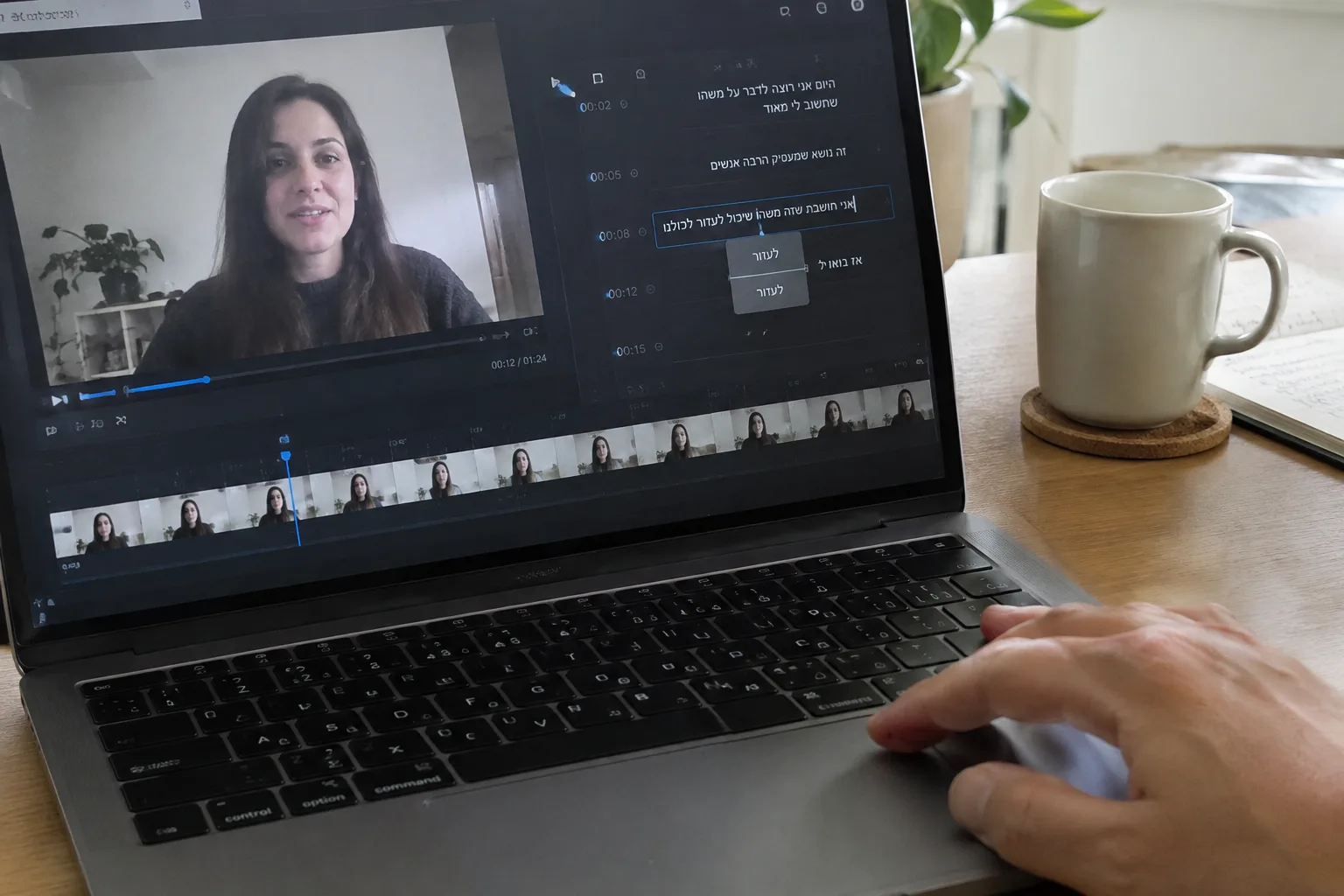
As a business owner, your time is precious. You need an intuitive interface that lets you fix errors, adjust timing, and change text in a few clicks. A cumbersome system will cause you to waste valuable hours. Make sure the tool allows for easy and quick editing directly on the video's timeline.
3. Design and Branding Customization Options
Captions are also a visual element. The ideal solution will allow you to customize the font, size, color, and background of the captions to match your brand's visual language. A consistent, professional look builds trust and strengthens your branding.
4. Workflow Integration
Do you have to download the video, upload it to a captioning tool, download a file, and then merge it again? Such a process is a waste of time. An automated platform that generates the video and adds captions in the same place streamlines the entire process and saves you from unnecessary technical hassles.
Comparing Solutions: Dedicated Tool vs. Automated Platform
The main choice you face is between using a dedicated tool that only adds captions, and a unified platform that manages the entire video creation process. The following table summarizes the key differences:
| Feature | Dedicated Captioning Tool | Automated Video Platform |
|---|---|---|
| Workflow | Requires uploading an existing video, creating captions, downloading, and re-integrating | Creates video, voiceover, and captions in one place, no upload/download needed |
| Small Business Suitability | Requires some technical knowledge and time to manage multiple tools | Designed for business owners with no technical background, simplifying the entire process |
| Total Cost | Separate cost for the tool + your valuable time or a freelancer's fee | Included in a fixed monthly subscription covering all video content creation |
Common Hebrew Voice Recognition Errors and How to Avoid Them
Even the most advanced tools still make mistakes in Hebrew. Knowing the common errors will help you spot and fix them quickly:
- Proper names and brand names: AI sometimes struggles to correctly transcribe uncommon names. Always check the names of people and companies mentioned in the video.
- Slang and idioms: Words like "sababa," "be'aya shelcha," or contemporary expressions might be misinterpreted. Ensure the text matches the speaker's intent.
- Professional terms: Generic tools don't always know your professional jargon, whether you're an accountant, a beautician, or a fitness coach. Be prepared to correct terms specific to your field.
- Homophones: Words that sound the same but are spelled differently (e.g., 'im' and 'am' in Hebrew) are a constant challenge. The system might choose the wrong word for the context.
Accurate captions aren't just a technical matter; they're your way of showing customers you respect their time and speak their language, clearly and accessibly.
The LunSoul Social Team
5 Tips to Improve Your Caption Readability
After the system has generated the captions and you've corrected the errors, a few small improvements can make a big difference in the viewing experience:
- Check the timing: Make sure the caption appears on screen exactly when the word is spoken and disappears shortly after. Proper synchronization is key to a smooth experience.
- Split long sentences: Avoid large blocks of text. Break long sentences into two lines or several consecutive captions to make them easier to read quickly in a feed.
- Use a clear font: Choose a readable font (sans-serif usually works best) and a size that can be read comfortably even on a mobile phone screen.
- Maintain contrast: Ensure there is sufficient contrast between the text color and the video background. You can add a subtle background or a shadow to the text to improve readability.
- Do a final proofread: Read all the captions one last time as if you were the customer. This will help you catch any spelling, punctuation, or phrasing errors you missed.
What to Do Now?
Adding high-quality captions is one of the simplest and most effective things you can do to upgrade your video marketing. Here are three simple steps to get started:
- Assess your current situation: Go over 2-3 of the last videos you uploaded. Do they have captions? Are they readable and accurate? This will give you a baseline for comparison.
- Define your needs: How many videos do you create per month? How much time are you willing to invest in adding captions? The answer will help you decide between a dedicated tool and an all-in-one platform.
- Try an automated system: The best way to understand the benefits is to see them in action. Instead of juggling different tools, a system like LunSoul Social centralizes the entire process for you: from writing the script, through creating a video with a presenter and voiceover, to adding accurate Hebrew captions—all in one place, at the click of a button.