
Repurposing video content across platforms is a strategic process of taking an existing piece of video content, like a long-form video or a Reel, and adapting it for multiple different formats and platforms. The goal is to maximize the exposure of every piece of content you create, save precious time on filming and editing, and ensure a consistent social media presence without creating something new from scratch every time.
This guide was written especially for small business owners and self-employed individuals who feel like they're constantly chasing their own tails. If you want to produce more videos, maintain consistency, and reach a wider audience, but you don't have the time, budget, or desire to stand in front of a camera every day – you've come to the right place. We'll show you how to do it smartly, efficiently, and even automatically.
Key Takeaways
- Content repurposing saves up to 80% of the time invested in creating new video.
- Each platform requires a slight adjustment of the message, format, and style.
- You can also repurpose non-video content (like articles or podcasts) into videos.
- AI-based tools can automate the entire process, from script to publication.
- Consistency in posting is more important for building a stable brand than one-time virality.
Why is Repurposing Video Content Crucial for Your Business?
In the fast-paced digital world, a consistent presence is key. Social media algorithms reward accounts that post content regularly. But who can really film, edit, and publish a new video every day? The answer is that almost no small business owner can keep up with that. This is where content repurposing comes in.
Instead of starting from scratch every time, you take an existing digital asset you've already invested in – for example, a long explainer video, a webinar you recorded, or even a successful article from your blog – and produce several short videos from it. This way, you maximize your return on investment (ROI) for each piece of content, save valuable work hours, and ensure a steady stream of quality posts for your followers.
Platform Differences: TikTok, Reels, and Shorts
One of the most common mistakes is uploading the exact same video file to all platforms. Although the format (short vertical video) is similar, the vibe, audience, and expectations are different on each network. Understanding these nuances is the key to proper content repurposing that will yield results. Here's a quick comparison to clear things up:

| Platform | Recommended Length | Content That Works | Primary Target Audience |
|---|---|---|---|
| Instagram Reels | 15-60 seconds | Aesthetic content, quick tips, behind-the-scenes glimpses, inspirational content. | Ages 25-45, a more established audience looking for value and quality. |
| TikTok | 7-30 seconds | Authentic, trends, humor, challenges, unpolished and fast-paced content. | Ages 16-30, a younger audience seeking entertainment and discovery. |
| YouTube Shorts | Up to 60 seconds | Educational content, clips from longer videos, practical tips, experiments. | A broad audience, serves as a gateway to the main YouTube channel. |
The Practical Guide: How to Turn One Long Video into a Full Week of Content
Let's take a common example: you recorded a 10-minute YouTube video explaining "5 Common Mistakes in Your Field." Instead of just uploading it to YouTube and hoping for the best, let's repurpose it smartly. Here's the recommended workflow:
- Identify the "gems": Go through the long video and mark 5-7 key points, central tips, or powerful quotes. Each of these is a potential short video.
- Cut short clips: Use a simple editing tool to cut each key point into a separate clip of 15-45 seconds. Don't worry about quality at this stage, just isolate the content.
- Adapt the format: Make sure each clip is in a vertical format (9:16). If the original video was shot horizontally, you'll need to center yourself in the frame.
- Add visual value: For each short video, add a clear text title at the beginning (e.g., "The Biggest Mistake People Make With...") and add automatic captions. Most people watch without sound.
- Create different copy: Write a dedicated description (caption) for each platform. On Instagram, you can be more expansive; on TikTok, focus on trending hashtags.
- Schedule the posts: Spread the short videos throughout the week. This way, from one 10-minute video, you've created consistent content for a full week, with each video appealing to a slightly different audience.
Repurposing Without Filming: How AI and Digital Presenters Are Changing the Game
What if you don't have a long video to repurpose? What if you just don't like being filmed? Until recently, this was a significant problem. Today, AI-based technologies allow you to produce and repurpose video content without ever turning on a camera.
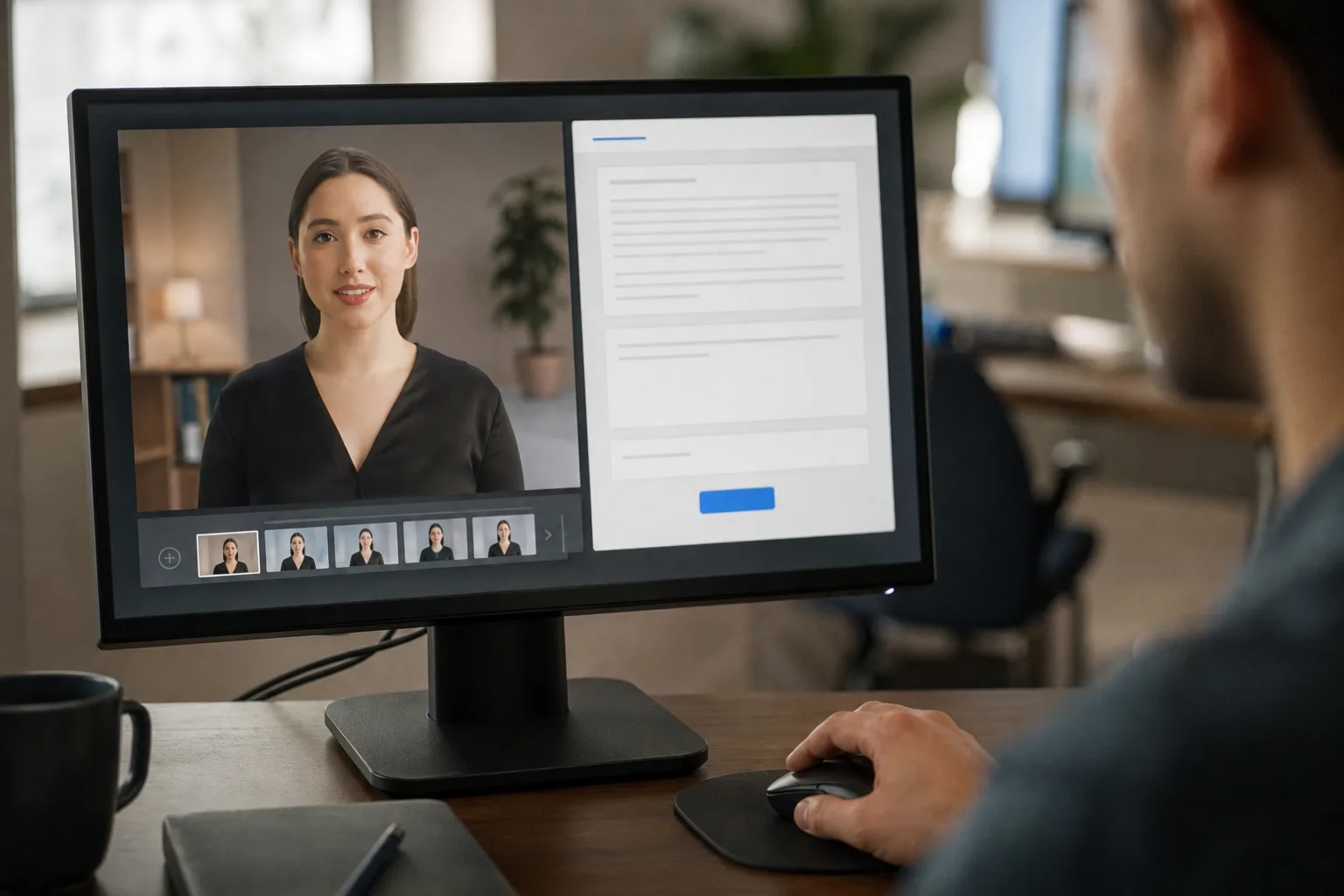
Advanced tools can take any text – a post from your blog, an email you sent to a client, or even a few bullet points you jotted down – and turn it into a professional video. The system writes a script, generates a human-like voiceover in Hebrew, and uses a digital presenter (avatar) to present the content for you. This way, you can generate dozens of personalized videos, each with a slightly different message, without dealing with filming, lighting, sound, or editing.
The biggest challenge for business owners isn't creating content, but maintaining consistency. Automating content repurposing is the only solution that allows for a constant presence without draining resources.
Content Strategy Experts
Common Content Repurposing Mistakes You Must Avoid
Content repurposing is a powerful tool, but if done wrong, it can look lazy or unprofessional. Avoid the following mistakes to get the most out of this strategy:
- Uploading a video with a watermark: Never download a video from TikTok and upload it to Reels with the watermark. Instagram's algorithm detects this and significantly reduces its reach.
- Ignoring the format: Don't upload a horizontal video to a vertical format without adapting it. It looks amateurish and is hard to watch on mobile.
- Using the exact same copy: Each platform has its own language. Copy-pasting the same text shows you haven't put thought into the specific audience of that network.
- Repurposing weak content: If the source video wasn't good, the repurposed videos won't be good either. Always start with a quality piece of content that provides real value.
What to Do Now: 3 Steps to Start Repurposing Content Today
You understand the principle, now it's time to act. Instead of feeling overwhelmed, start small. Here's a simple action plan to get you started and produce quick results:
- Find your "golden asset": Locate one particularly successful piece of content you already have. It could be a blog post that got a lot of comments, an old explainer video, or even a presentation you gave. This is your raw material.
- Set a small goal: Don't try to conquer all platforms at once. Decide that from this piece of content, you will produce 3 short videos for Instagram Reels this week. This is a realistic and achievable goal.
- Use automation to save time: Instead of doing everything manually, it's worth exploring automated solutions. Systems like LunSoul Social can take your text, generate the videos for you with a digital presenter, and schedule them, saving you all the technical work.