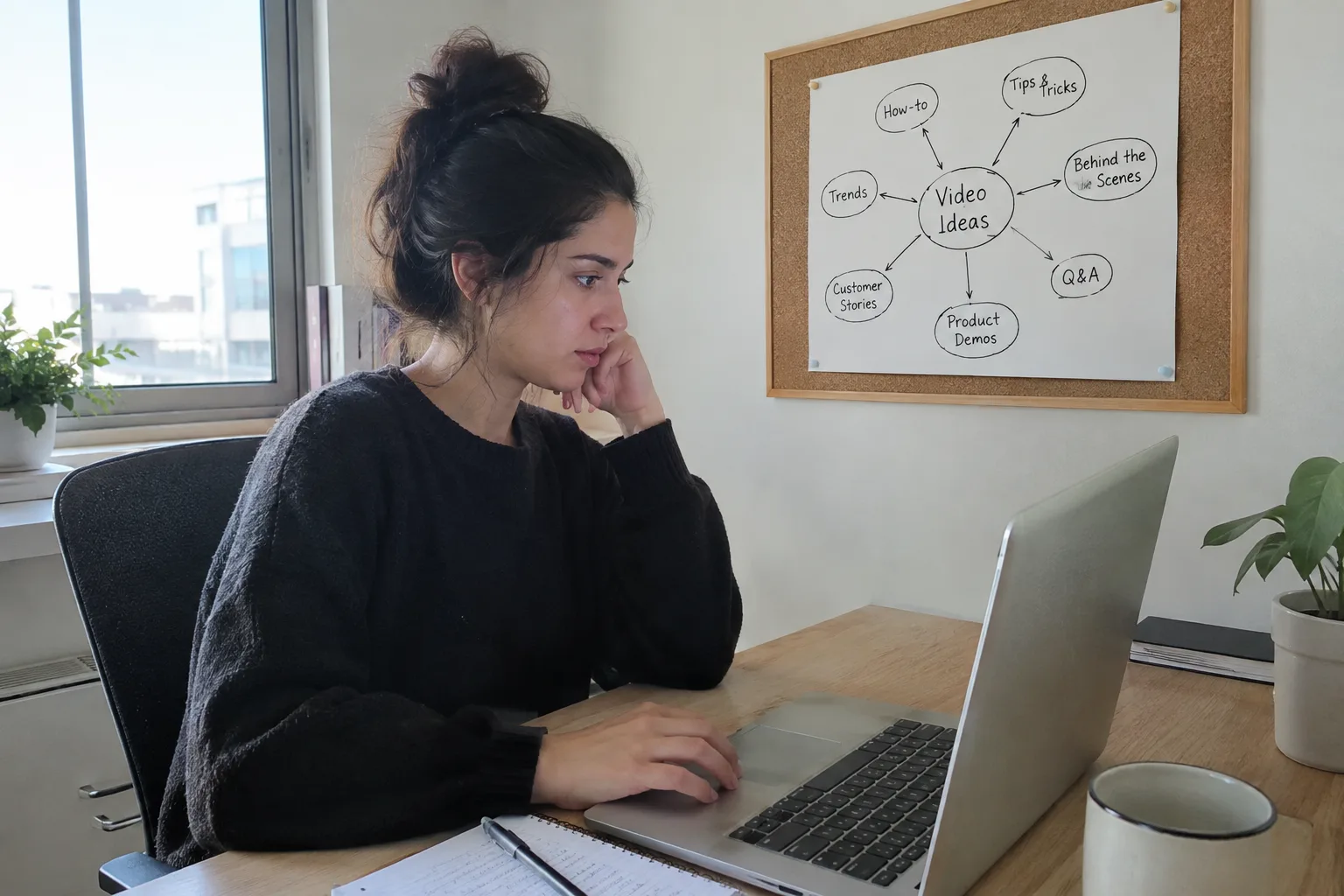
The main AI video limitations for businesses are robotic-looking characters, unnatural voice quality, and an inability to convey emotion and authenticity. These challenges stem from the technological difficulty of simulating minute facial expressions, perfect lip-syncing, and the nuances of human speech. As a result, many videos can feel artificial and alienate potential customers.
This article is for small and medium-sized business owners considering AI video but worried about the final result. We'll explain in simple terms what the real limitations are, why they happen, and most importantly—how you can overcome them to create high-quality, trustworthy video content that looks and feels human, without ever having to step in front of a camera.
- Authenticity is key: AI videos can feel "fake" without personalization and a human message.
- Language is a challenge: Voice quality in languages like Hebrew has improved, but still requires advanced tech to sound completely natural.
- The robotic look can be solved: Modern digital presenters can look very human with the right system.
- Not everything is possible: Creating complex scenes from text (like with the Sora model) isn't yet available or practical for small businesses.
- Automation is the solution: An end-to-end system saves you from manually dealing with each limitation separately.
One of the most well-known problems is that virtual presenters often look stiff and lifeless. This phenomenon, known as the "Uncanny Valley," occurs when a character is almost human, but a small detail in its movement or expression reveals its artificial nature, creating a sense of unease in the viewer.
The reasons for this are technological: it's extremely difficult for AI models to mimic the thousands of micro-expressions we make unconsciously, our natural eye movements, and the perfect synchronization between lip movements and voice. Simpler systems animate an existing image, which severely limits the range of motion and expression, leading to a robotic appearance.
The question "Do AI videos look real?" touches on something deeper than physical appearance—it touches on authenticity. Even if the presenter looks perfect, the entire video can feel artificial if it lacks a human context, a personal story, or an authentic tone that connects with your target audience.
Customers can spot generic content from a mile away. A video made of tired sales pitches and stock footage will feel like a cold advertisement, whether it features a real person or a digital avatar. The challenge isn't just to produce a good-looking video, but to create content that tells your business's story and provides real value to viewers.
Success with AI video isn't measured in pixel quality, but in the ability to convey a human and trustworthy message using advanced technology.
The LunSoul Social Team
In the past, voice quality in Hebrew was one of the most significant limitations of AI video. Synthetic voices sounded metallic, monotonous, and had accent or intonation errors. In recent years, and especially since 2024, there has been a significant leap forward in this field, and advanced tools can now produce Hebrew voices that sound almost human.

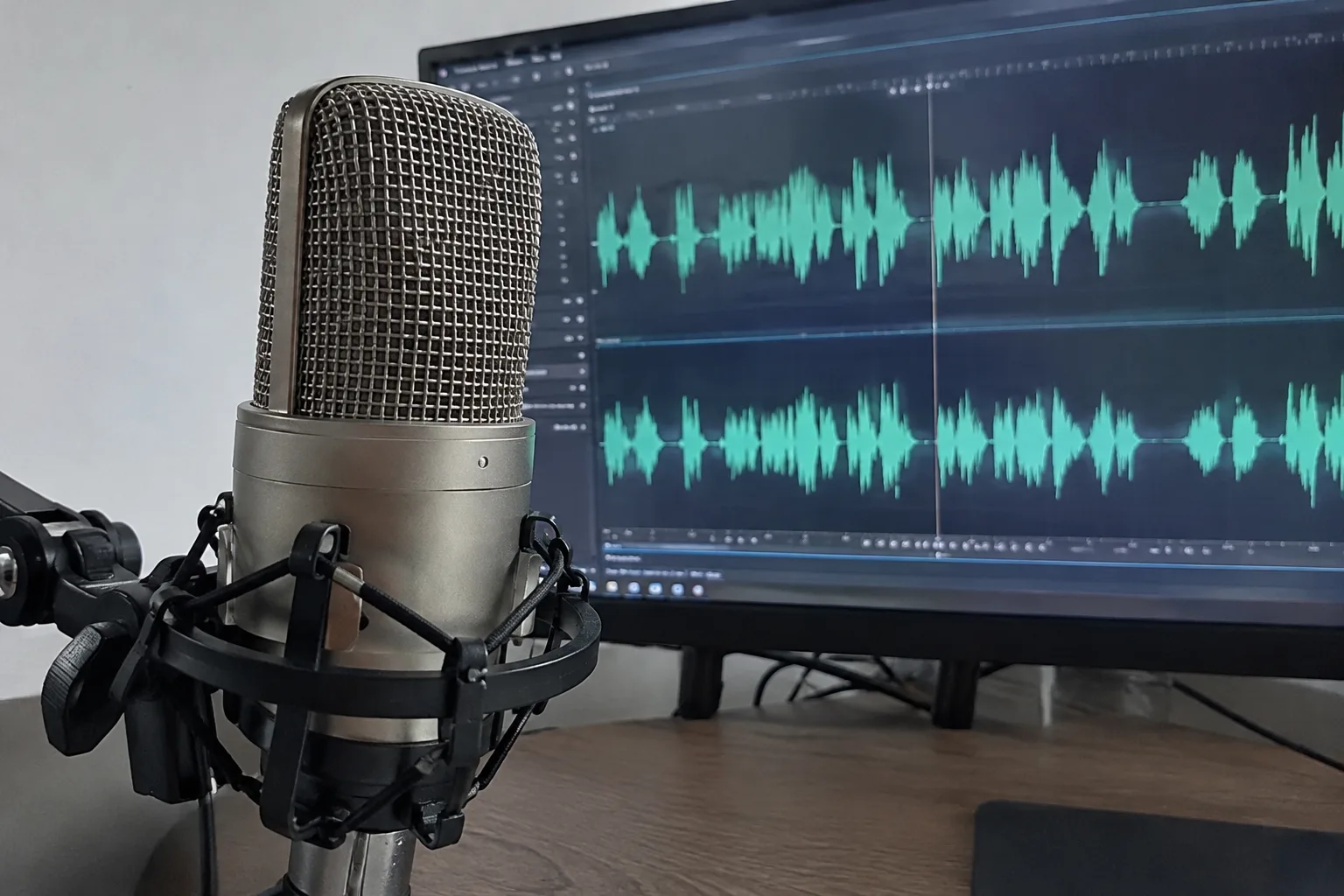
However, the gap hasn't closed completely. Creating emotional narration with tone shifts, dramatic pauses, and genuine enthusiasm is still a complex technological challenge. Therefore, it's important to use a system that specifically invests in developing voice models for Hebrew, rather than settling for generic solutions translated from English.
Alongside the impressive improvements, it's important to understand what is still beyond the reach of most tools available to businesses. The technology is advancing, but it has clear practical limitations you need to be aware of.
- Video Length: Most platforms limit the length of videos that can be generated at one time, usually to just a few minutes. Creating a long-form promotional video or an entire webinar using AI is not practical today.
- Complex Scenes: Models like OpenAI's Sora, which generate entire video scenes from text, are not yet widely available for commercial use and are not tailored to the needs of small businesses. They require immense computing power and don't allow for precise control over details like logos or specific products.
- Real-Time Interaction: A virtual presenter cannot have a live conversation with a customer or answer questions spontaneously. Their role is to deliver pre-prepared content in a professional and clear manner.
- Complex Editing: Many tools do not allow for advanced editing after the video is created, such as adding special effects, complex transitions, or precise color corrections. What's generated is usually the final product.
| Capability | Manual Creation with Separate Tools | Automated System (like LunSoul Social) |
|---|---|---|
| Work Time Required | Many hours (writing, recording, editing) | A few minutes (approving ready content) |
| Technical Skill Required | High (operating multiple programs) | Very low (a click of a button) |
| Quality Consistency | Depends on the user's skill at any given moment | High and uniform in every video |
| Total Cost | Variable (subscriptions to multiple tools) | Fixed and predictable |
Understanding the limitations is the first step. The second is learning how to work around them and still produce video content that serves your business goals. The good news is that it's entirely possible if you act smartly and with focus.
- Focus on the message, not the technology: Write short, clear, and valuable scripts. A strong, authentic message will always beat impressive animation with empty content.
- Choose a presenter and voice that fit your brand: Don't settle for the default. Select a character and tone of voice that convey your business's personality—whether it's professional, friendly, or authoritative.
- Add human elements: Incorporate your brand's graphic elements, photos of real products, or even short video clips of yourself or your customers (if you have them).
- Use high-quality captions: Most viewers on social media watch without sound. Make sure the captions are accurate, readable, and well-synced with the speech.
- Keep it short and interesting: Match the video length to the platform. Short videos (15-60 seconds) work best on TikTok, Reels, and Shorts.
- Use an end-to-end automated system: Instead of trying to piece together a tool for writing, a tool for voice, a tool for video, and a tool for editing, use a single system that does it all. This ensures the different components work in harmony to produce a high-quality, consistent result.
Now that we've understood the limitations and solutions, it's time to take action. Instead of wasting precious time on trial and error with different tools, you can jump straight to the results.
The first step is to define your goal: Do you want more customer inquiries? To strengthen your brand? To educate the market? A clear goal will help the AI system generate the most precise content for you.
The next step is to let automation work for you. A system like [LunSoul Social](https://lunsoulsocial.com) was designed specifically to overcome the limitations we've described. It uses advanced digital presenters and the highest quality Hebrew voice synthesis, writes scripts for you, and generates videos and images that feel authentic and tailored to your business. All that's left for you to do is approve the content with the click of a button.