
Comparing AI video creation tools for Hebrew requires examining narration quality, lip-sync accuracy, and the variety of presenters. Global tools offer basic capabilities, while specialized solutions provide higher-quality Hebrew and complementary features like content writing and automated social media publishing.
This guide is written for you, business owners in Israel. You don't need to be a marketing expert or video editor to understand the differences. We'll simply explain what to look for so you can choose wisely and create videos that get results.
Key Takeaways in Brief
- The quality of the Hebrew is the most important criterion—listen to voice samples before you commit.
- A digital presenter saves you from filming, but it's crucial to ensure they look and move naturally.
- An all-in-one solution (writing, creation, and publishing) saves more time than a tool that only creates the video.
- The monthly cost of an AI tool is significantly lower than a one-time production with a human voice actor.
Why Hebrew Quality is the Key Factor
When evaluating AI video tools, it's easy to be tempted by flashy interfaces or a huge selection of avatars. But for a business operating in Israel, the crucial criterion is the quality of Hebrew support. Most global tools use generic translation and voice synthesis engines, leading to narration that sounds robotic, with a foreign accent and incorrect intonation.
Beyond the voice, there's the challenge of lip-syncing. Hebrew is a language with unique mouth movements. A system not specifically trained on the Hebrew language will struggle to accurately sync the digital presenter's mouth movements to the spoken words, creating an unprofessional result that damages credibility.
Digital Presenter or Animation: What's Right for Your Business?
A digital presenter (avatar) is a computer-generated human character that speaks your text. The main advantage is creating a personal, human connection with your audience without anyone from your team having to step in front of a camera. It's an ideal solution for tip videos, updates, or service presentations.
Animated videos, on the other hand, are better suited for explaining complex processes or abstract concepts. The choice depends on the video's goal and your brand's personality. However, for building a consistent social media presence, a regular presenter can become the recognizable face of your brand.
Cost Comparison: AI Video vs. Traditional Production
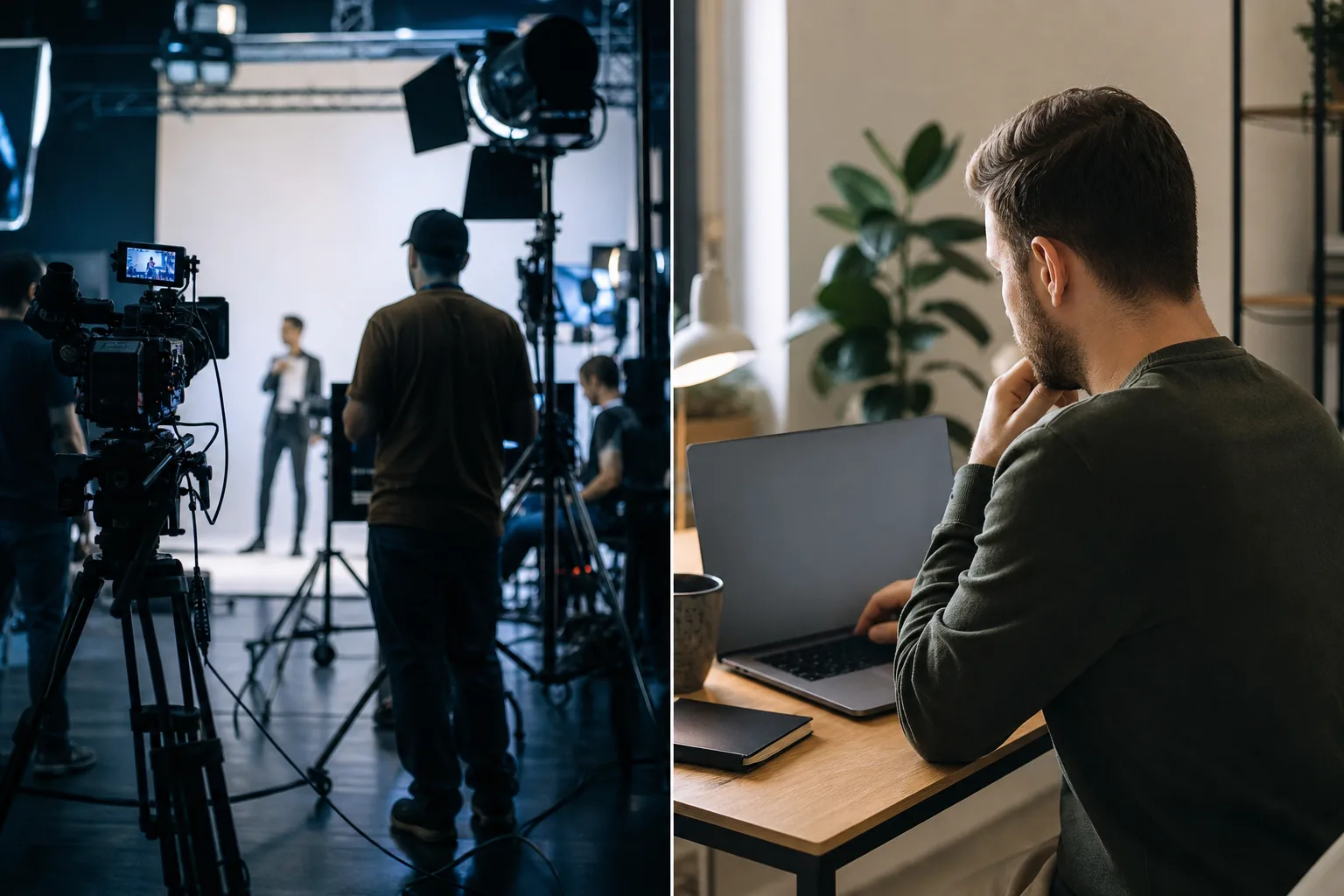
One of the first questions every business owner asks is, 'How much will this cost me?' To get the full picture, it's important to compare the cost of using an AI tool to the cost of traditional video production, which includes a videographer, editor, and professional voice actor.
| Parameter | AI Video (Monthly Solution) | Traditional Production (Per Video) |
|---|---|---|
| Narration Cost (per minute) | Included in subscription | NIS 250 - 800 |
| Production Time | Minutes to hours | Days to weeks |
| Flexibility for Changes | High and immediate | Complex and expensive |
As you can see, the differences are significant. The cost of a monthly subscription to an AI tool, starting around $25-30, allows you to produce numerous videos for less than the cost of producing a single video traditionally. This is a crucial advantage for businesses that want to maintain a consistent digital presence.
Beyond Creation: The Importance of a Complete System
Most AI tools on the market focus on a single task: turning text into video. Once the video is ready, your work has just begun. You still need to write the post's content, find the right time to publish, and manually upload it to each social network separately.

This is where the difference between a 'tool' and a 'system' comes in. A full automation system doesn't just create the video; it manages the entire process. It learns your business, writes the scripts and posts for you, generates the video, and schedules its publication to all relevant channels. This is a huge saving in time and energy that allows you to focus on running your business.
Using a digital presenter allows businesses to produce consistent, professional video content at a low cost, without being dependent on staff availability or camera shyness.
Digital Marketing Expert
How to Test and Evaluate an AI Video Tool
To make the best decision for your business, it's important to evaluate each solution based on several practical criteria. Use the following list as a guide in your selection process:
- Listen to Hebrew narration samples. Does the voice sound natural, clear, and have the correct intonation?
- Watch sample videos with presenters. Pay attention to the lip-sync between the mouth movements and the Hebrew audio.
- Check the ease of use. Is the interface intuitive and does it allow you to create a video quickly, even without a technical background?
- Inquire about the entire process. Does the system also help with scriptwriting and publishing, or just creation?
- Compare the value for money. Don't just look at the monthly cost, but at everything you get and the time you save.
What to Do Now
Now that you have all the information, it's time to take action. Here are three simple steps to get you started:
- Define a goal: What is the most important thing you want to achieve with your videos? More leads? Brand strengthening? Market education?
- Set a budget: Determine how much you are willing to invest monthly in your digital marketing. This will help you filter options.
- Test a complete solution: To see how a fully automated system can work for you, from writing to publishing, it's worth checking out a comprehensive Israeli solution. You can learn more about video marketing automation here and understand how it saves you valuable work hours.