
Choosing an AI tool to create videos for your business depends on your goal. There are three main types: Text-to-Video tools that turn text into visual scenes, digital avatar/presenter tools for creating explainer videos with a talking character, and smart editing tools that upgrade existing videos. Understanding the differences is key to making the right choice.
This guide is for small and medium-sized business owners in Israel who want to leverage the power of video marketing but lack the time or budget for traditional productions. We'll simply explain the options, compare them, and help you understand which solution will serve you best.
- There are three main types of AI tools: text-to-video, digital avatars, and smart editing.
- The choice depends on your goal: visual creativity, a personal message, or upgrading existing materials.
- AI video production saves up to 70% in costs and 90% in time compared to traditional production.
- An integrated platform offers greater flexibility and savings in the long run.
- Compatibility with the Hebrew language and the Israeli audience is a critical factor when choosing a tool.
Why Should Small Businesses Even Consider AI Video?
Until recently, producing a marketing video was an expensive and complex project requiring a film crew, editors, equipment, and large budgets. For small businesses, this was too high a hurdle. Artificial intelligence is changing the game, allowing any business, regardless of size, to produce high-quality video content quickly and affordably.
The savings are dramatic. In Israel, producing a short social media video can cost between NIS 1,500 and 3,500 with AI, compared to NIS 5,000 to 10,000 for traditional production. The time is also significantly reduced: instead of a two-to-four-week process, you can have a finished video within 48 to 72 hours. This allows you to react quickly to trends and maintain a consistent, relevant presence.
Type 1: Text-to-Video Tools – Turning Words into Visuals
These tools are perhaps the most magical. You write a text description of a scene (a prompt), and the system generates a short video clip that matches the description. These tools are at the forefront of technology, enabling the creation of stunning, surreal, or conceptual visuals that are difficult or very expensive to film in reality.
Who is it for? Brands that want to create unique and unforgettable visual content, campaigns based on an artistic concept, or videos that emphasize atmosphere and emotion over concrete information. They are excellent for creating B-roll footage or short, attention-grabbing ads.
When to use it? When you don't have any raw footage and want to create something from scratch. It's a great solution for social media campaigns aimed at sparking curiosity and going viral. However, it's difficult to precisely control the final result, and the ability to feature a specific product or a familiar face is limited.
Type 2: Digital Avatar & Presenter Tools – The Face of Your Business
These tools specialize in creating a human-like character (an avatar) that speaks the text you provide. You can choose from a variety of characters, voices, and languages, including Hebrew. The result is a video that looks like a professional presenter or spokesperson delivering your message directly to the camera. It's an ideal solution for conveying information clearly and personally.
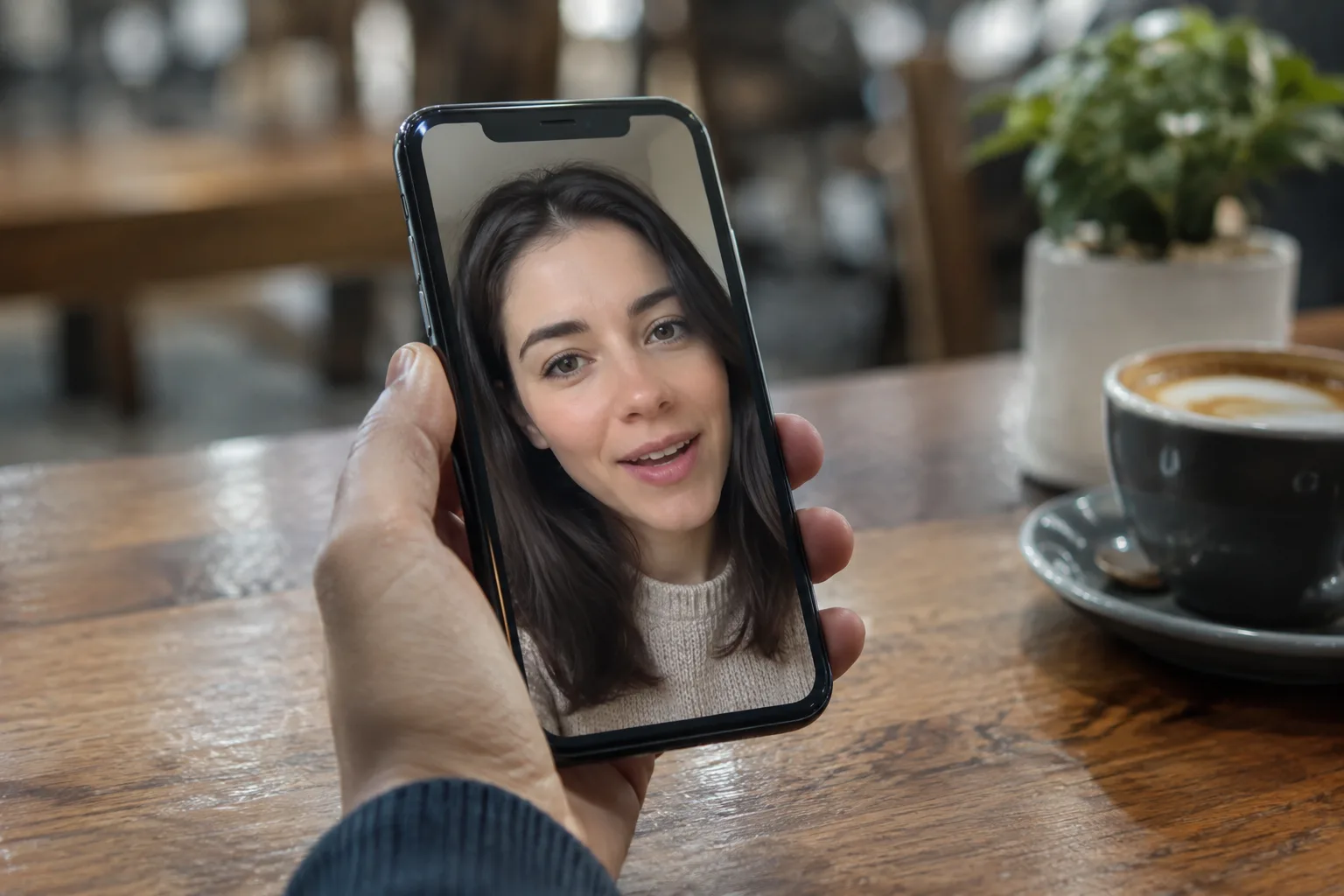
Who is it for? Businesses that need to explain a product, guide users, announce promotions, or share updates. It's perfect for digital courses, training videos, investor updates, or social media posts where you want a human face to deliver the message without having to stand in front of a camera yourself.
When to use it? When the message is the main focus. If you want to explain a process, present data, or simply speak to your audience, a digital presenter is the most efficient and fastest way to do it. It ensures clear narration and a professional look in every video.
Type 3: Smart AI Editing Tools – Upgrade What You Already Have
The third type doesn't create video from scratch but uses artificial intelligence to enhance and edit existing raw footage you've shot yourself (even with your phone). These tools can automatically perform complex tasks: removing backgrounds, adding synchronized captions, correcting color and lighting, selecting the best clips from a long recording, and even matching the pace to music.
Who is it for? Any business owner who already shoots video—whether it's customer testimonials, product demos, or a behind-the-scenes look. These tools save countless hours of manual editing and let you turn raw clips into polished, publish-ready videos.
When to use it? When you have authentic raw material that you want to make more professional. For example, after shooting an Instagram Story, you can use an AI tool to add dynamic captions, fix the sound, and adapt it for TikTok or YouTube Shorts format.
Comparison Table: Which AI Tool Type Fits Your Business?
To help you decide, we've summarized the key features of each tool type in a simple table.

| Tool Type | Best For... | Key Advantage | Main Drawback |
|---|---|---|---|
| Text-to-Video | Creative campaigns, conceptual ads, creating atmosphere. | Generates unique visuals from scratch, no filming needed. | Limited control over the final result, hard to show specific products. |
| Digital Avatar / Presenter | Explainer videos, tutorials, announcements, informational content. | Clear, fast, and professional message delivery in Hebrew. | Less suitable for emotional or story-driven campaigns. |
| Smart AI Editing | Upgrading existing videos, authentic content, customer testimonials. | Massive time savings on editing, turns amateur footage into pro-level. | Requires initial raw footage (pre-shot video). |
How to Choose: 7 Steps to Selecting the Perfect Platform
The market is flooded with tools, and the choice can be confusing. Follow these steps to make an informed decision that will serve your business in the long run.
- Define your main goal: What is the primary type of video you'll need? Are they explainer videos, creative ads, or upgrades of existing content? The answer will point you to the right type of tool.
- Check for Hebrew support: For Israeli businesses, this is a critical point. Ensure the system fully supports Hebrew, including high-quality narration, interface, and right-to-left captions.
- Prioritize ease of use: You're a business owner, not a video editor. Choose a platform with a simple, intuitive interface that doesn't require a steep learning curve.
- Consider your usage volume: Do you need one video a month or five a week? Check the plan's limitations and make sure it fits your content production pace.
- Examine the output quality: Don't compromise on quality. Ask to see samples or use a trial period to ensure the videos look and sound professional.
- Compare pricing models: Is the payment per video, per minute of use, or a monthly subscription? Choose the most cost-effective model for your needs.
- Look for a solution that grows with you: Your business will evolve. Choose a flexible platform that offers diverse capabilities so you won't have to switch systems as your needs change.
The Big Advantage: The Power of an Integrated Platform
Instead of using a separate tool for each task—one for creating scenes, another for narration, and a third for editing—the most efficient solution is an integrated platform. Such a system lets you enjoy the best of all worlds in one place: you can start with a digital presenter, incorporate video clips generated from text, and add footage you shot yourself, all within a unified workflow.
The advantage isn't just in saving money on multiple subscriptions, but mainly in saving time and maintaining a consistent visual language. An integrated platform makes video creation a natural and continuous part of your marketing, rather than a complex and fragmented task.
In an age where content is king, consistency is the kingdom. An integrated AI platform allows small businesses to consistently produce diverse, high-quality video content without being production experts.
The LunSoul Social Team
What's Next? Your First Steps in Video Creation
Now that you understand the differences between the types of tools, it's time to act. Don't get left behind in the video revolution. Start by identifying your business's primary need and exploring solutions that offer a direct, high-quality answer.
The best step is to try an integrated platform that offers a range of options. An Israeli system like Lunsoul Social allows you to combine Hebrew-speaking digital presenters, advanced graphics, and automated editing, all in one place tailored specifically for businesses like yours. This way, you can start producing videos that get results, today.