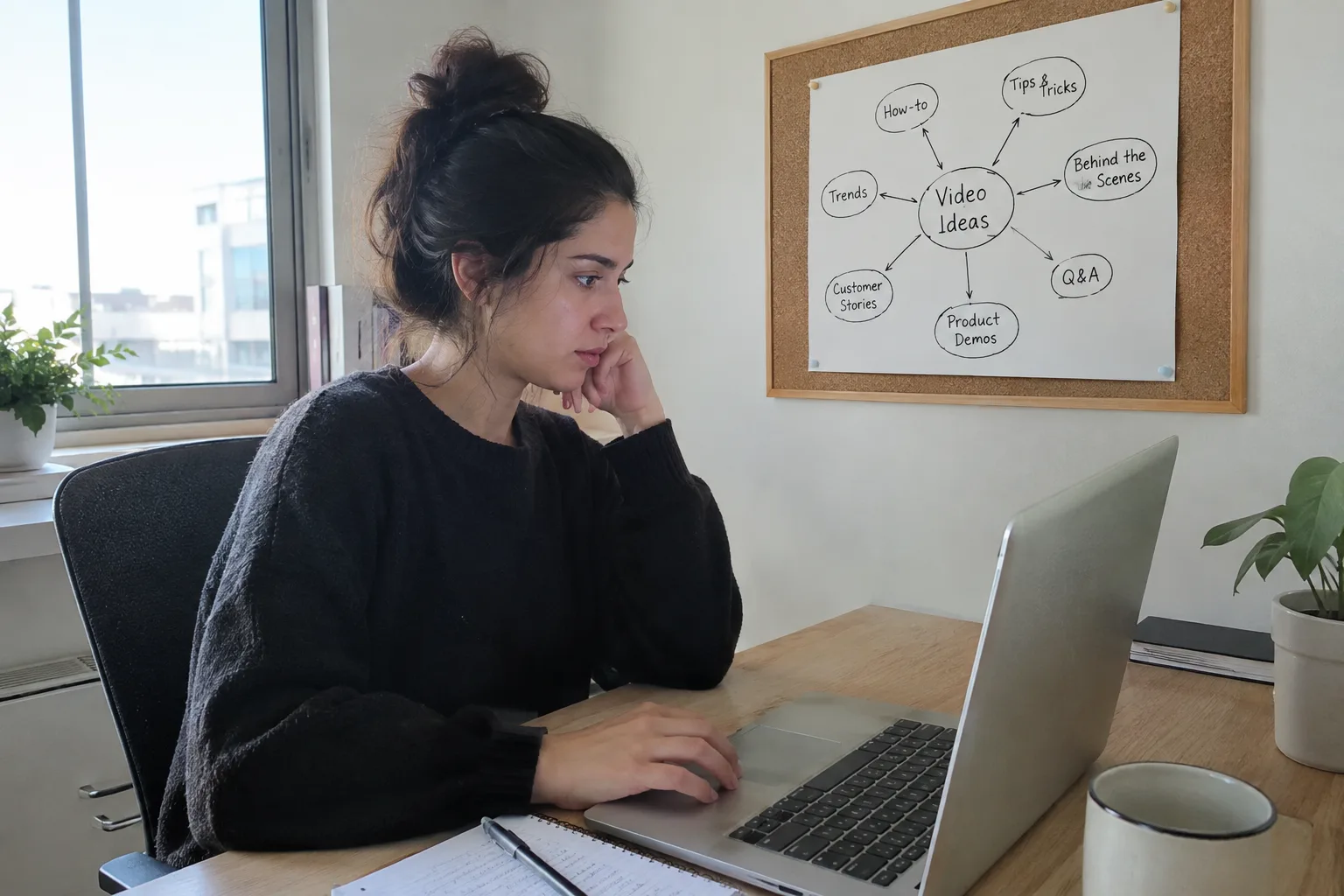
The quality of AI-generated videos in Hebrew has reached a professional level, making credible business representation possible. The key to high quality lies in choosing a realistic digital presenter, accurate lip-syncing, natural Hebrew narration, and a focused script. Advanced tools ensure a result that looks and feels authentic and is suitable for social media marketing.
This guide was written for you, the owners of small and medium-sized businesses in Israel. If you're considering using artificial intelligence to create videos but are worried about the final result—will it look professional? Will the Hebrew sound natural? Will customers feel it's 'fake'?—you'll find practical and clear answers here.
- The quality of the voice and Hebrew narration is more critical than the presenter's appearance.
- Accurate lip-syncing is the hallmark of advanced technology.
- Subtle facial expressions and natural movements distinguish a human-like video from a robotic one.
- A short, focused script prevents the viewer from losing interest and maintains high quality.
- An automated system specializing in Hebrew ensures consistent quality in every video.
What Makes an AI Video in Hebrew Look "Real"?
The question "Does it look real?" is the main concern for any business owner considering AI technology. The answer depends on a combination of three key components: the quality of the digital presenter, the quality of the Hebrew narration, and the precision of the lip-syncing. When all these elements work in harmony, the result feels credible and professional.
Digital Presenter Quality: Beyond Appearances
A high-quality digital presenter is more than just a photorealistic image. The true quality is measured in the small details: natural blinks, subtle head movements that accompany speech, and minor facial expressions. A presenter that looks static and frozen will give off a robotic feel, while a character with micro-movements will create the impression of a real person speaking to the camera.
Hebrew Narration Quality: The Real Test
This is where most generic tools fail. Quality Hebrew narration requires more than just correct pronunciation of words. It demands natural intonation, emphasis on important words, and brief pauses in the right places. A monotonous voice or a foreign accent will immediately destroy the video's credibility and cause your audience to lose interest.
Lip-Sync: The Small Detail That Makes a Big Difference
The human brain is highly sensitive to mismatches between the sound it hears and the lip movements it sees. This is a complex technological challenge, especially in a language like Hebrew. When the lip-sync is accurate, the viewer won't even notice it. But when it's off, it's the first thing that jumps out and breaks the illusion, making the video feel "fake."
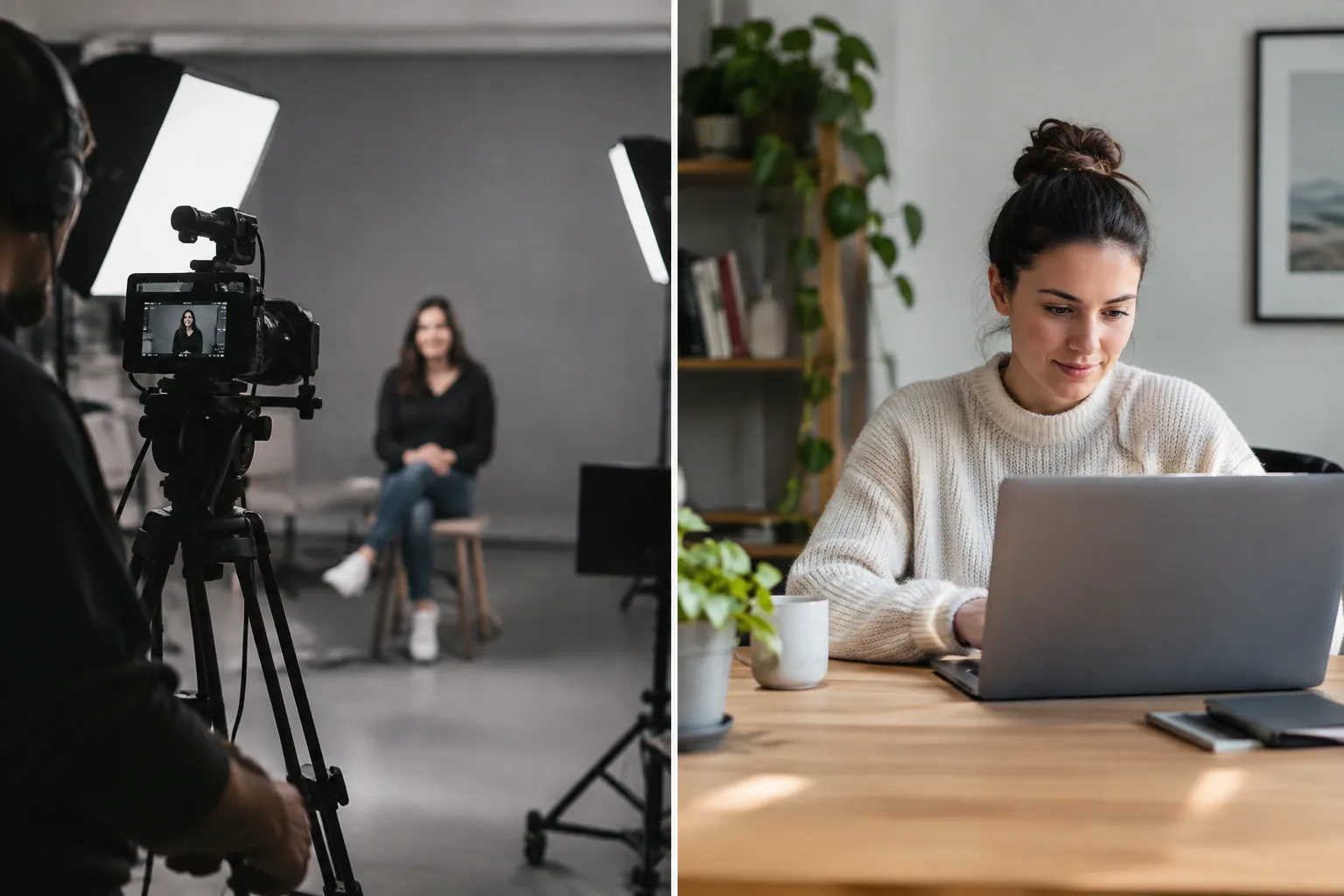
Comparison: AI Video Production vs. Human Filming
Many business owners debate between investing in traditional human production and adopting AI solutions. While human production still offers a high level of emotion and dynamism, the quality gap is closing fast. The following table shows the key differences in parameters important to a small business.
| Feature | Human Video Production | AI Video Production |
|---|---|---|
| Estimated Cost | Thousands to tens of thousands of shekels per video | A fixed and significantly lower cost |
| Production Time | Days to weeks | Minutes to a few hours |
| Flexibility for Changes | Complex and expensive (requires reshooting) | Immediate and simple (text change only) |
| Consistency and Availability | Depends on the actor's/subject's availability | 100% consistency in appearance and voice, available 24/7 |
How to Ensure High Quality in Your Business's AI Videos
Achieving a professional result with AI videos isn't a matter of luck. It's the outcome of working correctly and adhering to a few basic rules. With the following tips, you can maximize the quality of your videos and ensure they represent your business with distinction.
- Start with a short and clear script. Focus on one central message per video to keep viewers' attention.
- Choose a digital presenter that matches your brand image. A lawyer needs a different look than a fitness coach.
- Listen to voice samples to ensure the Hebrew is natural, fluent, and pleasant to the ear.
- Stick to reasonably long sentences. Sentences that are too long can sound monotonous and less natural.
- Always use subtitles. Most people watch videos on social media without sound.
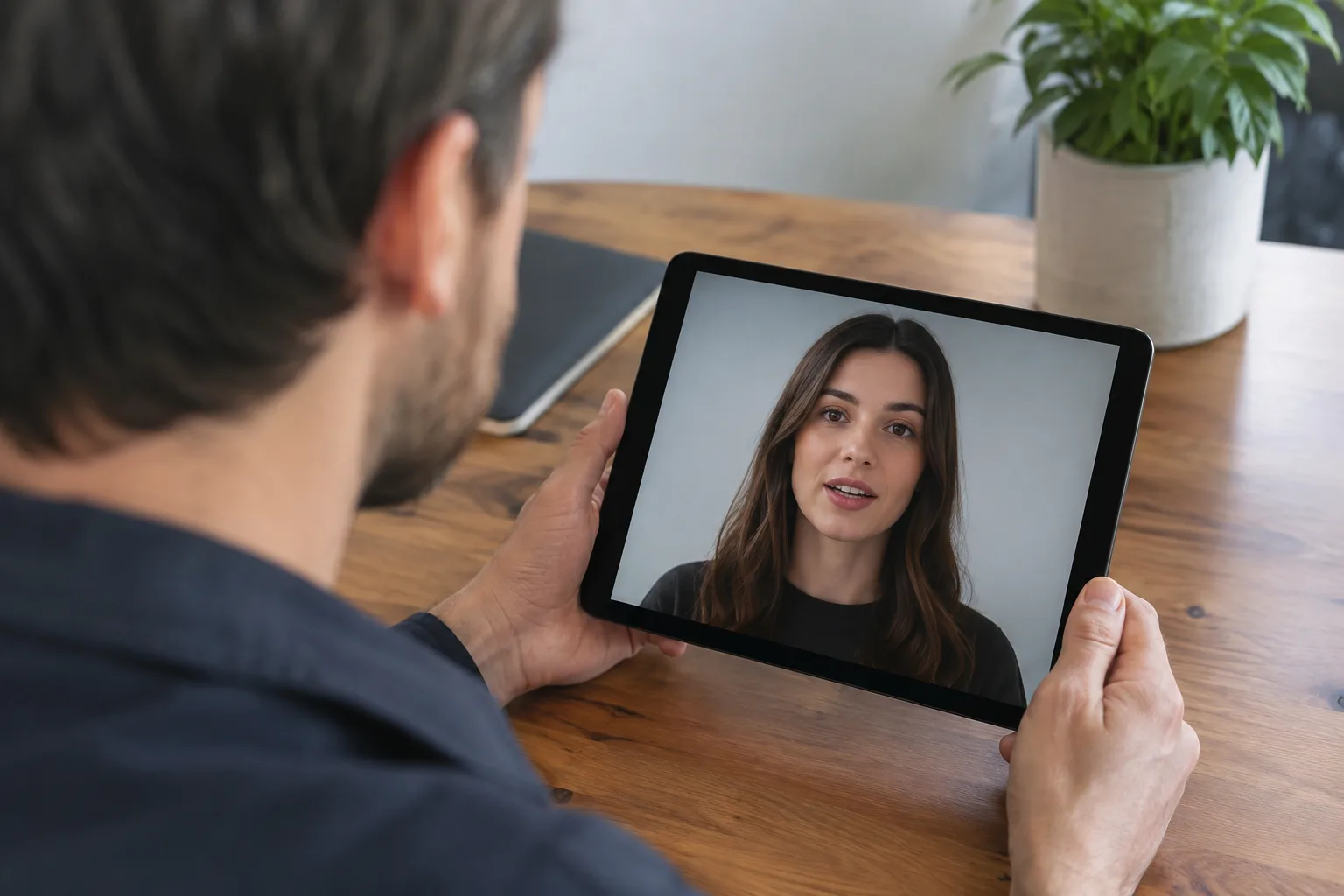
- Check the final result on a mobile screen, as that's where most of your audience will watch the video.
- Prefer a system that specializes in Hebrew over generic tools to ensure the quality of narration and sync.
Are AI Videos Suitable for All Types of Businesses?
Almost any business that needs to convey information can benefit from AI videos. They are ideal for tutorials, product or service explanations, sharing professional tips, or announcing promotions. Service-based businesses like consultants, insurance agents, real estate agents, and lawyers can use them to build authority and stay top-of-mind with clients.
However, for businesses that require a very high level of intimacy and deep emotional connection, like psychological therapy, human filming may still be the preferred choice. The key is to understand the video's purpose and match the tool to the task.
The purpose of an AI video is not to replace the human connection, but to enable consistent, fast, and accessible communication with your customers on a large scale.
The LunSoul Social Team
Common Mistakes That Hurt AI Video Quality (And How to Avoid Them)
The technology is advanced, but it's still easy to make mistakes that lead to an amateurish result. Knowing the common pitfalls will help you avoid them and create content that looks and feels professional.
- Long and cumbersome scripts: AI excels at short, focused videos (up to 60 seconds). A script that's too long will make the narration sound less natural. The solution is to split long topics into a series of short videos.
- Choosing a presenter that doesn't fit the brand: Don't pick the first presenter you see. Think about your target audience and the image you want to project. A professional, conservative look suits one business, while a young, approachable look will suit another.
- Ignoring sound quality: Even if the narration is good, make sure it doesn't clash with background music that's too loud. The sound should be clean and clear, with the presenter's voice always at the center.
- Using a generic tool not adapted for Hebrew: This is the most critical mistake. Tools not developed with a specialization in Hebrew will produce mediocre results at best, with a strange accent and poor lip-syncing. Always choose a solution that emphasizes its high-quality support for Hebrew.
What Now? Your Next Steps
Now that you understand what makes an AI video high-quality, it's time to act. Instead of getting bogged down with technical tools, you can focus on the content and let automation do the rest. Here are a few simple steps to get started:
- Define a goal: What should your first video achieve? Is it a weekly tip, a service presentation, or an answer to a common question?
- Write a short text: Draft 3-4 clear and simple sentences you want the presenter to say. That's all you need to begin.
- Think about the look: What style of presenter (clothing, age, gender) would best represent your business?
- Let the system work: Instead of dealing with complex technical tools, you can let an automated system do the work. [A system like LunSoul Social](https://lunsoulsocial.com) takes your business information and automatically turns it into professional videos in Hebrew, from writing to publishing.